Zeds dev diary 20240812
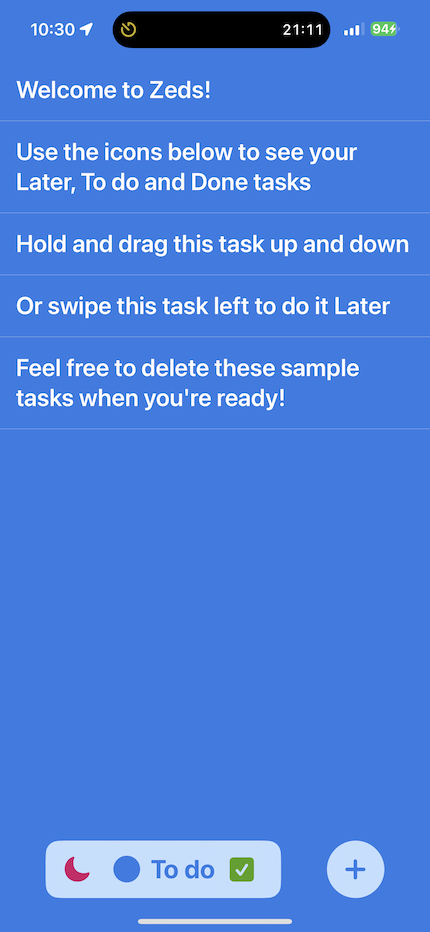
I’ve clarified the tabs on iPhone and added task separators. The iPad version of Zeds now shows all lists on the screen at once, and supports drag’n’drop both between lists and as a way to export/import text. But drag’n’drop, focus state, text fields and lists are giving me grief!
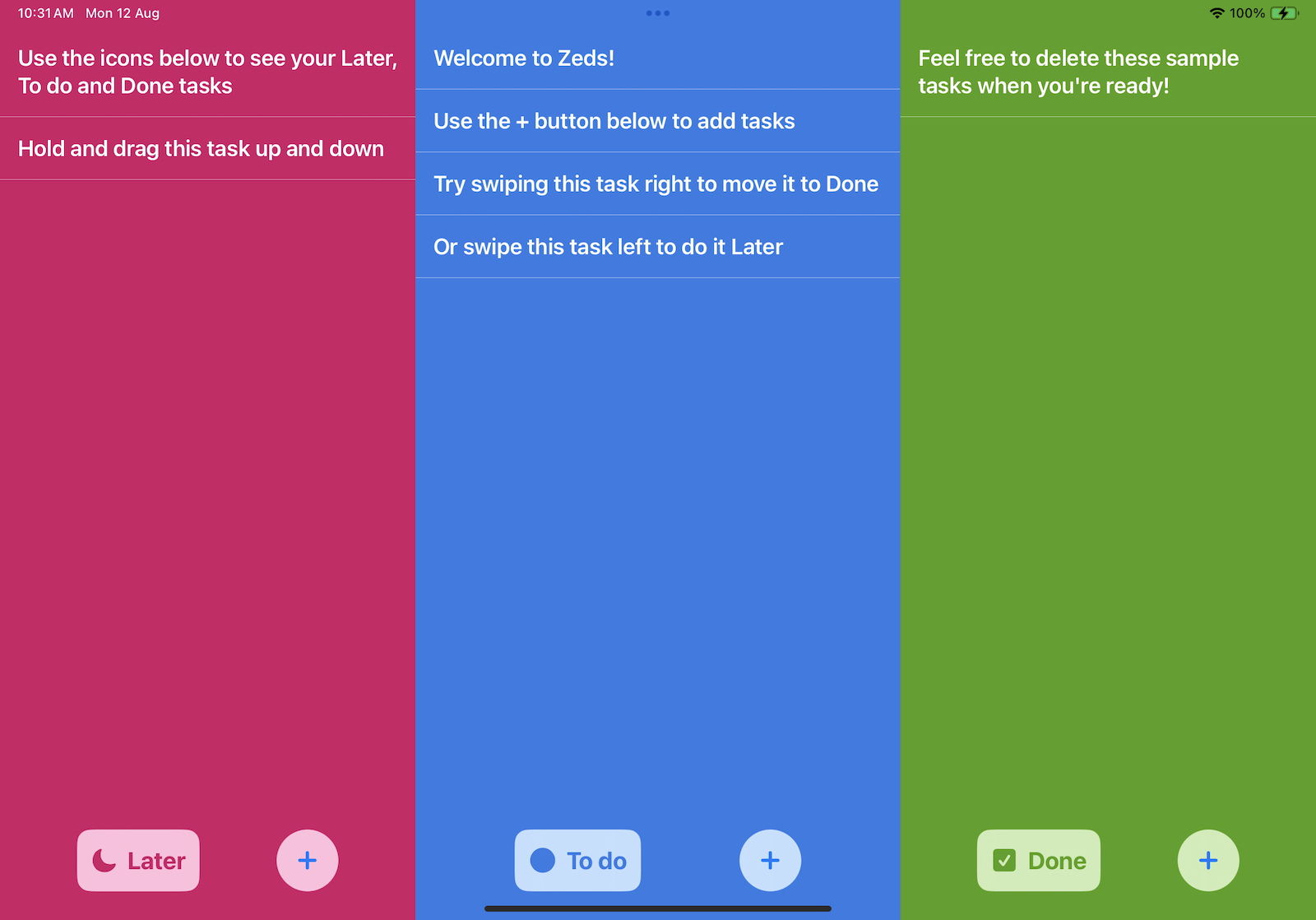
draggable & dropDestination
The new draggable and dropDestination APIs are powerful but limited, as with much of SwiftUI. For instance, there doesn’t appear to be a straightforward way to detect when a drag is in progress unless I fall back to the older onDrag API (which doesn’t play nicely with the new API). This is a problem because my tasks have tap gestures to activate editing which should be ignored during a drag.
@FocusState
My current UX has inline editing of multiline text fields in lists. This means editing focus can easily change as the user moves between text fields.
Unfortunately, it’s difficult to use a view model as a source of truth for focus because SwiftUI manages this closer to the view level with @FocusState (which can’t be used outside View types). Furthermore, focus state only works for views that are currently on screen so it can’t be used to record which task is currently being edited if that view is scrolled off-screen.
Any logic that needs to know whether a task is being edited thus relies on copying state between views and view models as they change with onChange. This is possible but error-prone and ultimately results in no single source of truth.
ScrollView
There is an unavoidable animation glitch if a scroll view or List has a safeAreaInset view at the bottom when the keyboard is dismissed. The workaround I’ve gone with is to not use the safeAreaInset directly, but calculate the amount of space needed with various reader proxies and pad the scroll view content itself.
Next steps
I have spent hours working around many bugs like these. My views are brittle, with surprising code that tries to balance all the hacks needed to make it fit together. My intention now is to significantly modify the UX to avoid the hacks. A modal editor for tasks rather than inline editing will help me avoid focus state issues and multiline text fields in lists.
